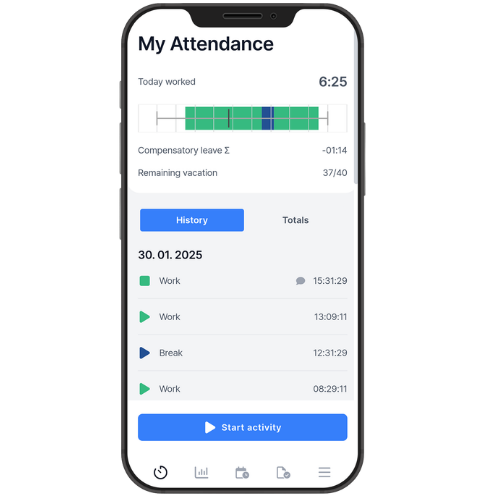

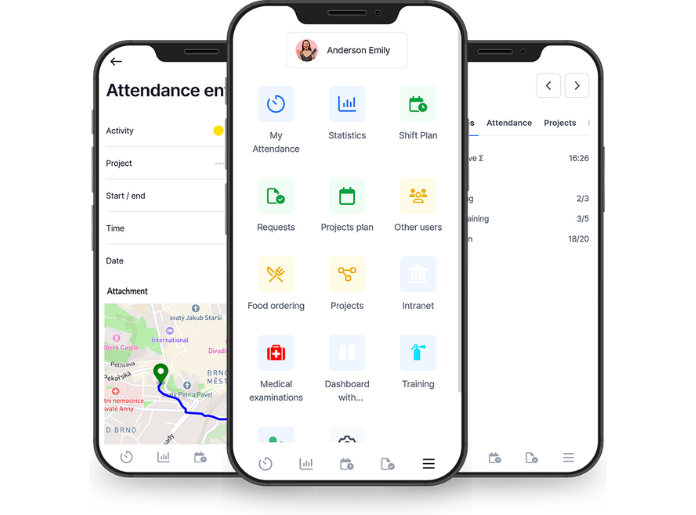




Yes. The mobile app allows employees to clock in and out both at the workplace and while on the go. If you want to keep track of where an employee clocked in or out, you can attach their current GPS location to the attendance record.
Yes. When manually entering attendance via the mobile app, the current GPS location can be saved with the clock-in or clock-out time and subsequently viewed on a map. GIRITON can also send an alert if an employee submits mobile attendance without GPS data.
No. The mobile app is just one way to track attendance. Employees can also record their attendance via a shared time clock or a web application, and you can combine these methods within your company. If an employee uses the My Attendance app, it is typically installed on their own phone, and the device is paired with their account.
Yes. The mobile app is perfect for employees who don't have a fixed workplace, such as sales representatives, drivers, or other field staff. They can record their attendance directly from their phone and, depending on your settings, attach their GPS location as well.
Yes. The My Attendance app is available for both Android phones and iPhones. GIRITON can also be used as a web application on your computer.
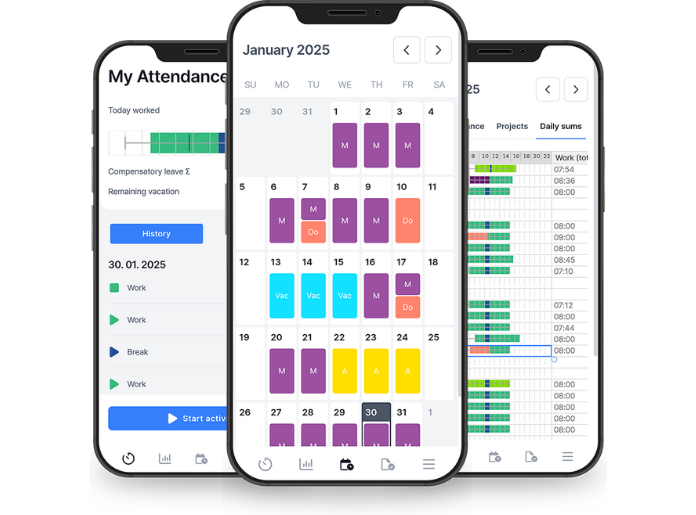
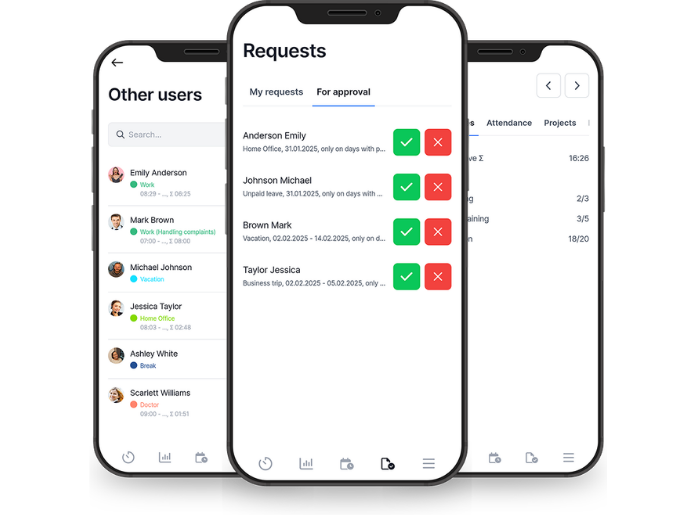
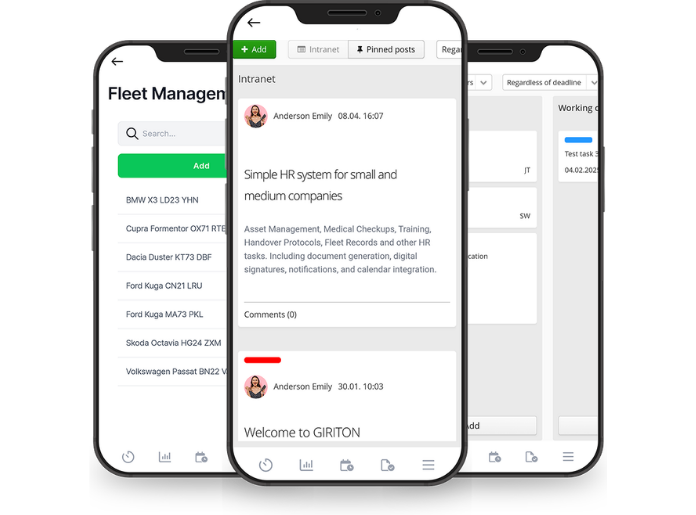
In addition to clocking in and out, employees can view their own attendance and hours worked, shift schedules, projects, or submit requests such as vacation time, depending on their permissions. They can also use the shift exchange and other features made available by the company within the application.